Included features
- Scan installed plugins and inspect versions and formats.
- Check available update information and record licence notes.
- Compare plugin inventories across Macs; inventories stay local.
Inventory the plugins on your Mac, compare rigs and review what needs attention before the next session.
macOS 13.0 or later · Apple Silicon only · Developer ID signed · Apple notarized · 30-day trial
Version 1.0.11
UTUVO Manager · US$19 · One app, one-time purchase. Other UTUVO apps are separate purchases.
| System requirements | macOS 13.0 or later · Apple Silicon only · Intel not supported |
|---|---|
| Licence | No subscription. Buy once, use the purchased major version and every update within that major. 3 of your own Macs. Terms |
| Move or reinstall | Open the app on the old Mac, go to Settings and deactivate the licence there, then enter the same key on the new Mac. No email needed, and a licence covers 3 of your own Macs. Deactivate while the old Mac still has a network connection: if it is offline at that moment the app clears the licence locally but the seat can stay held on our side, and support@utuvo.app can release it for you. For reinstallation, use the same key. If activation cannot be completed, contact support with your order details. |
| Trial | Download and open the app for a 30-day full-feature trial. No card or account required. No automatic charge. |
| Refunds and support | 14-calendar-day no-reason refund period. Refund policy · support@utuvo.app Include your order number for refunds, or app/macOS versions and reproduction steps for issues. |
| Updates | Read the update and maintenance policy ↗ |
Product demo
Move from the plugin library to Session Check and cross-Mac comparison in one concise, local-first walkthrough.
Open a Pro Tools, Logic Pro, Cubase, Nuendo, REAPER, Digital Performer, or LUNA session. UTUVO Manager separates Installed, Missing, and Needs Review instead of turning uncertain matches into false confidence.
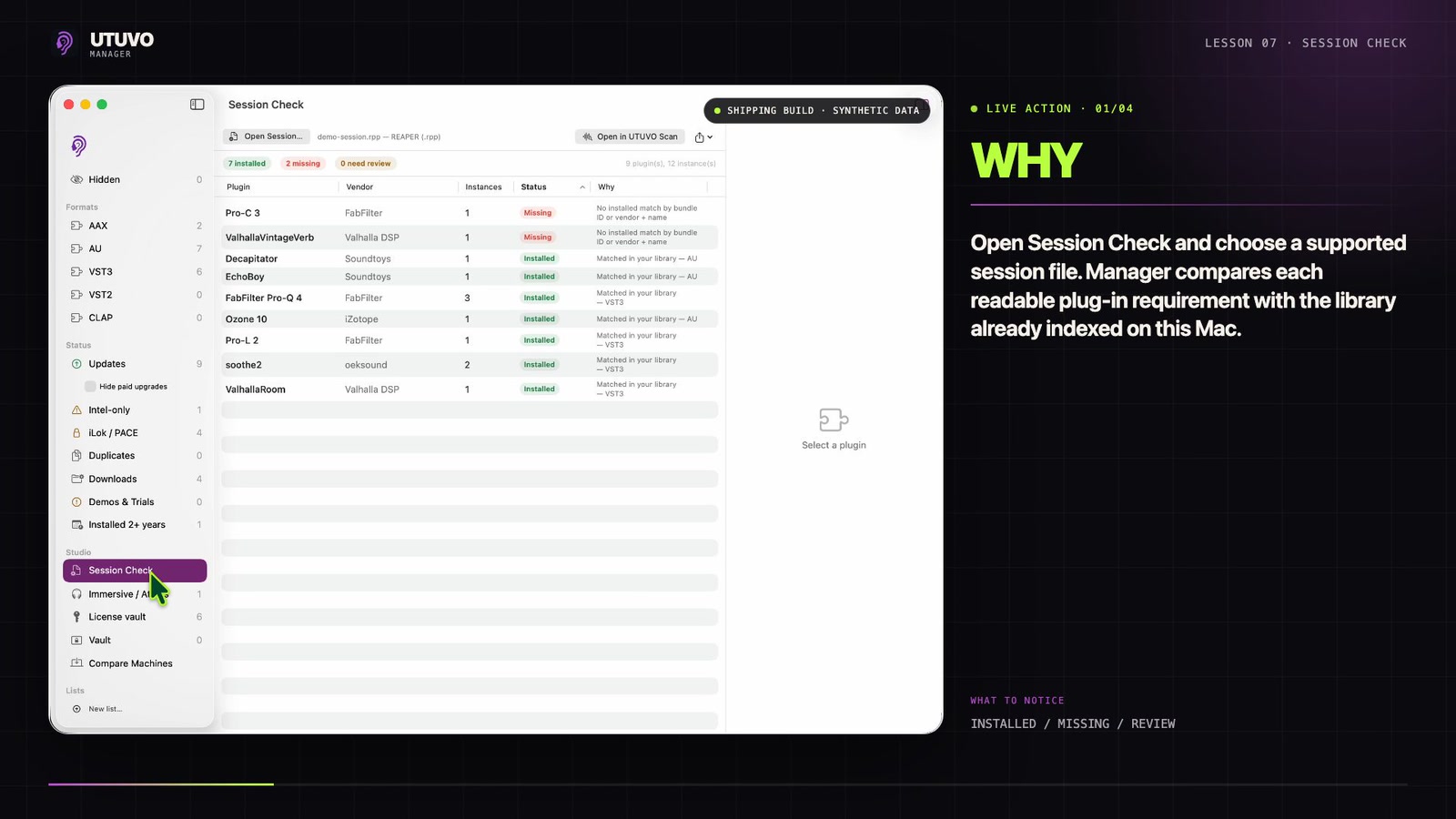
Accuracy note: support varies by format; LUNA is metadata-only when its encrypted container does not expose a readable plugin list.
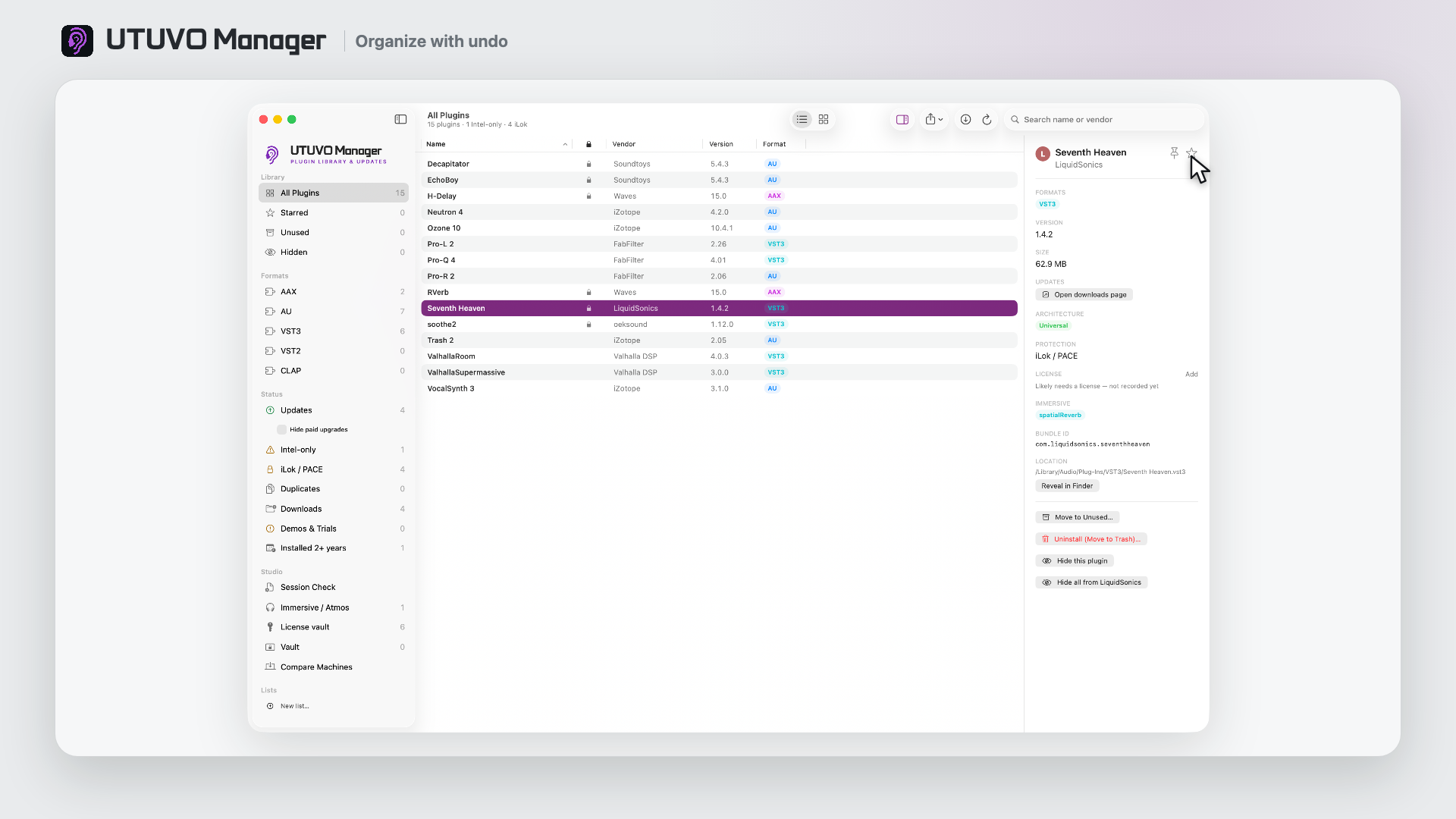
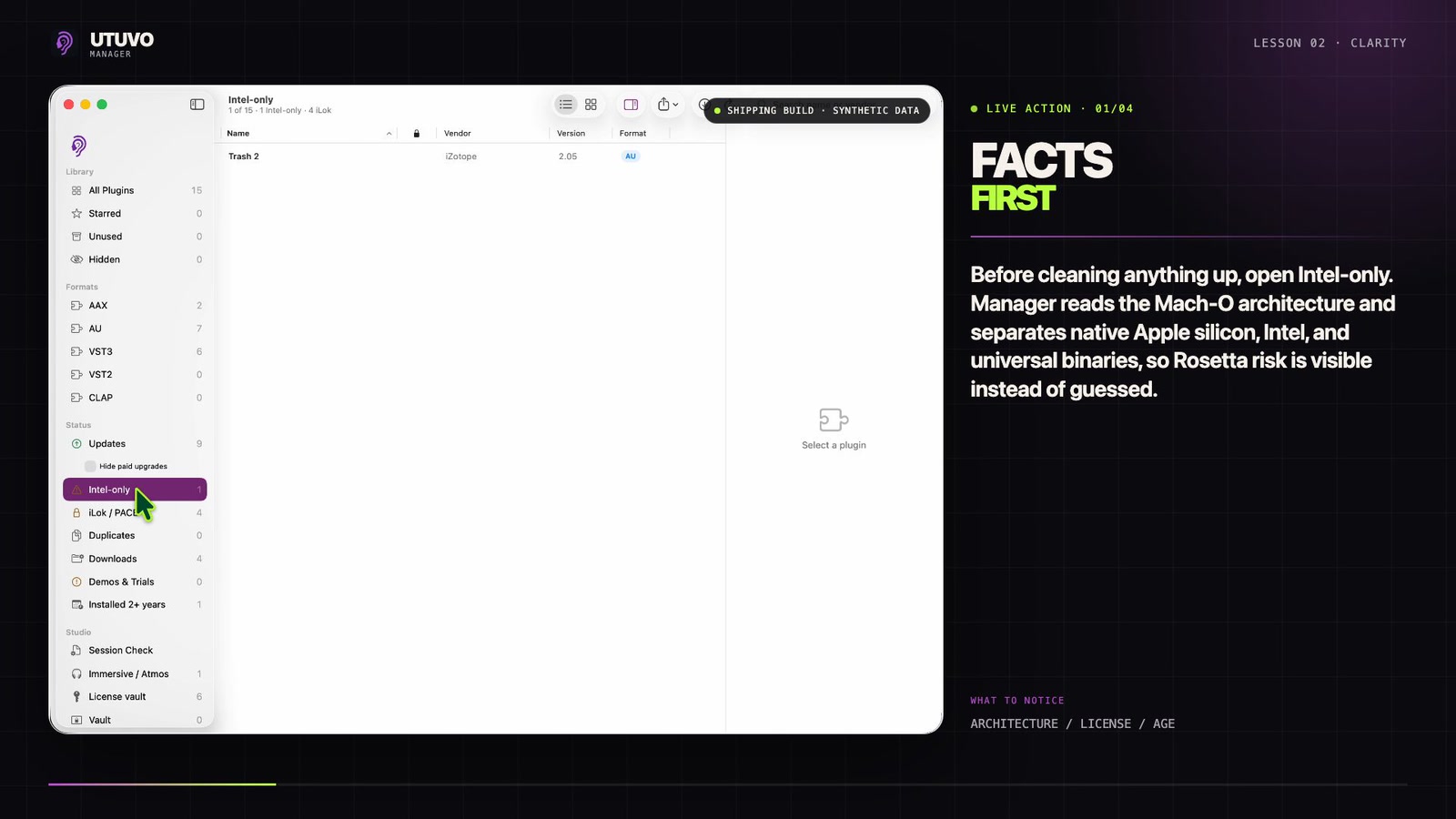
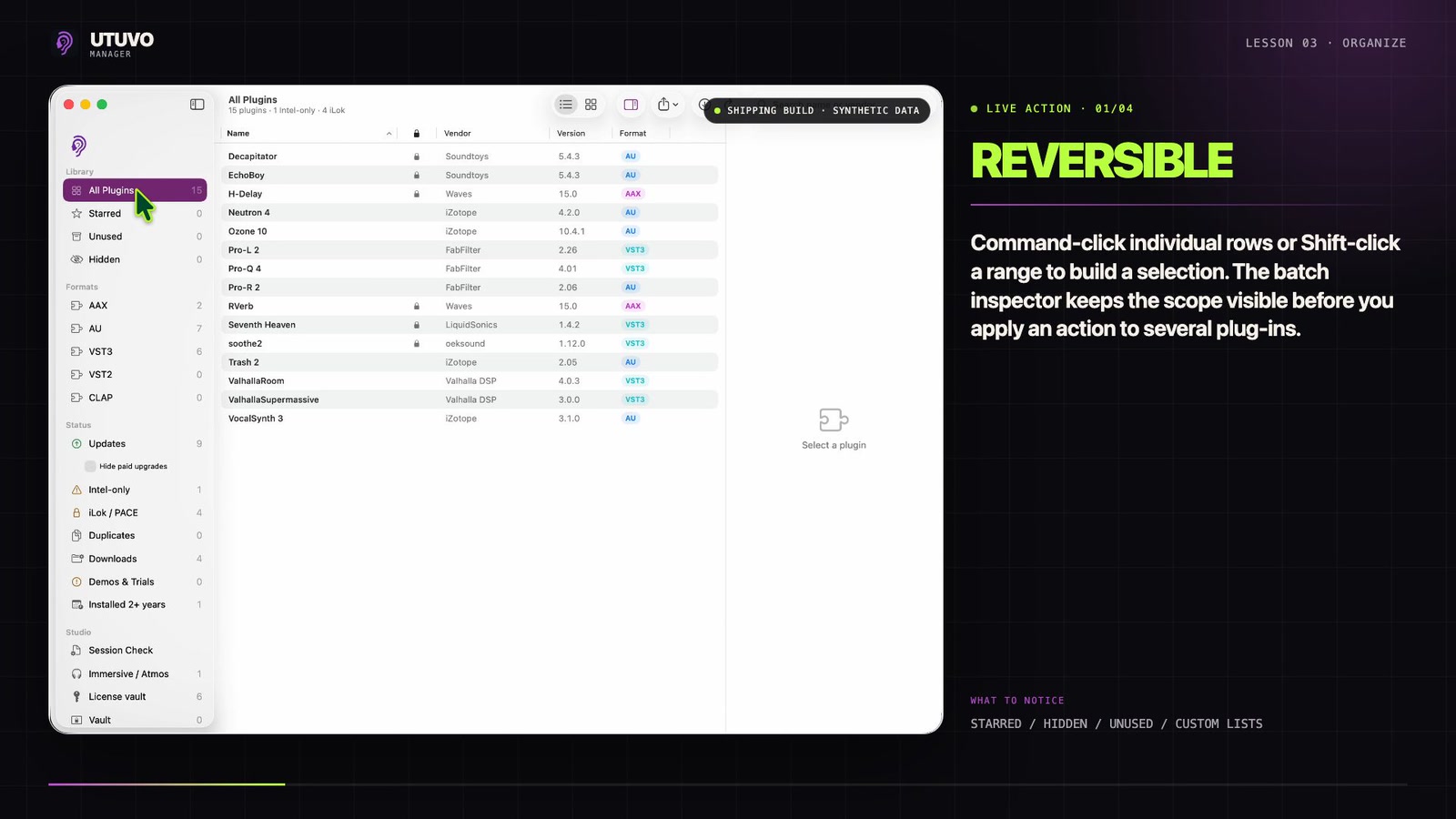
See AAX, AU, VST3, VST2, and CLAP together. Filter by format, vendor, update status, Intel-only compatibility, iLok/PACE, demos, age, or your own named lists.
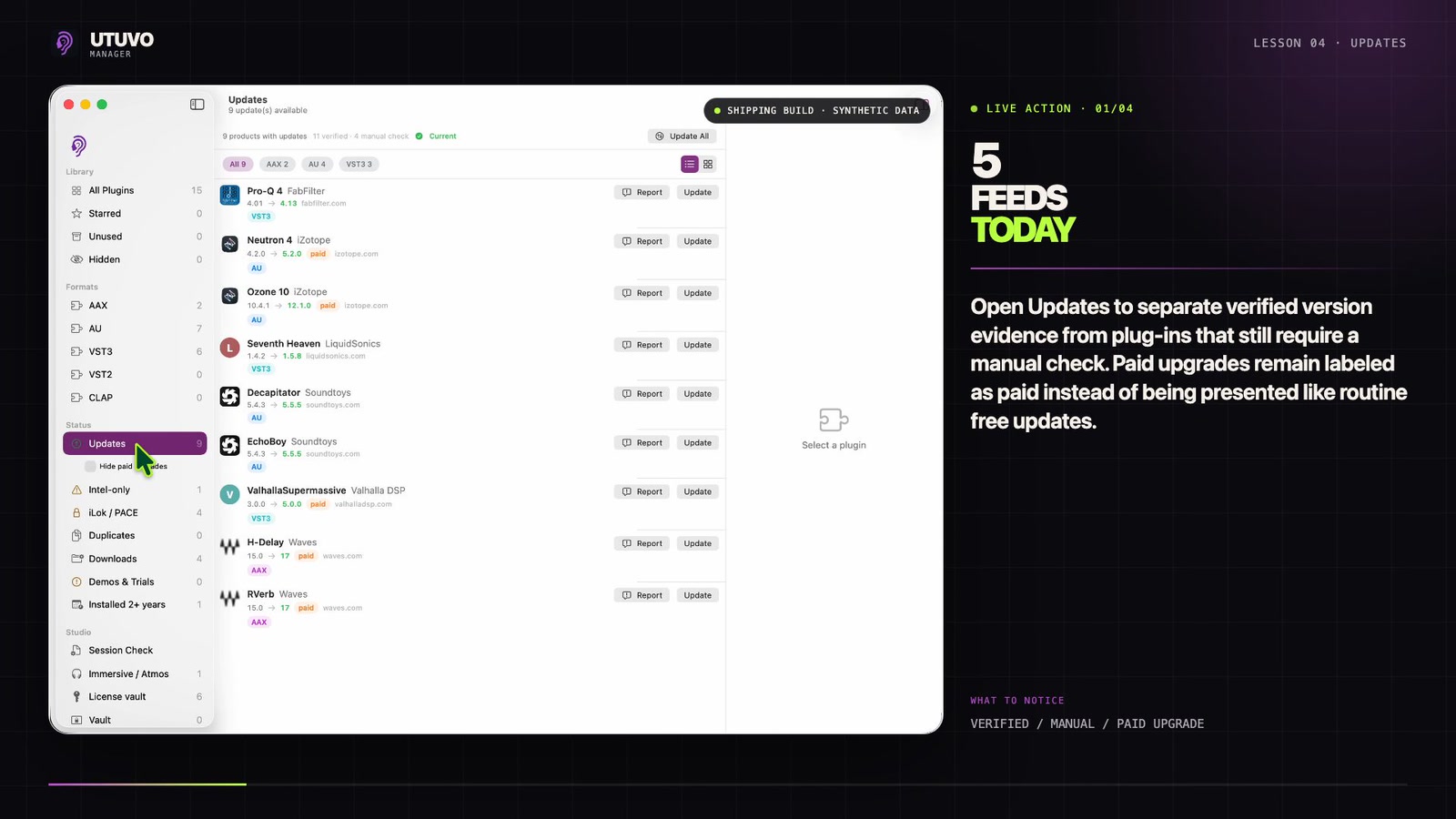
Move stale plugins to Unused or the Trash, review the batch first, restore them later, and use Undo when the plan changes. Keep named plugin sets for mixing, tracking, or individual rooms.
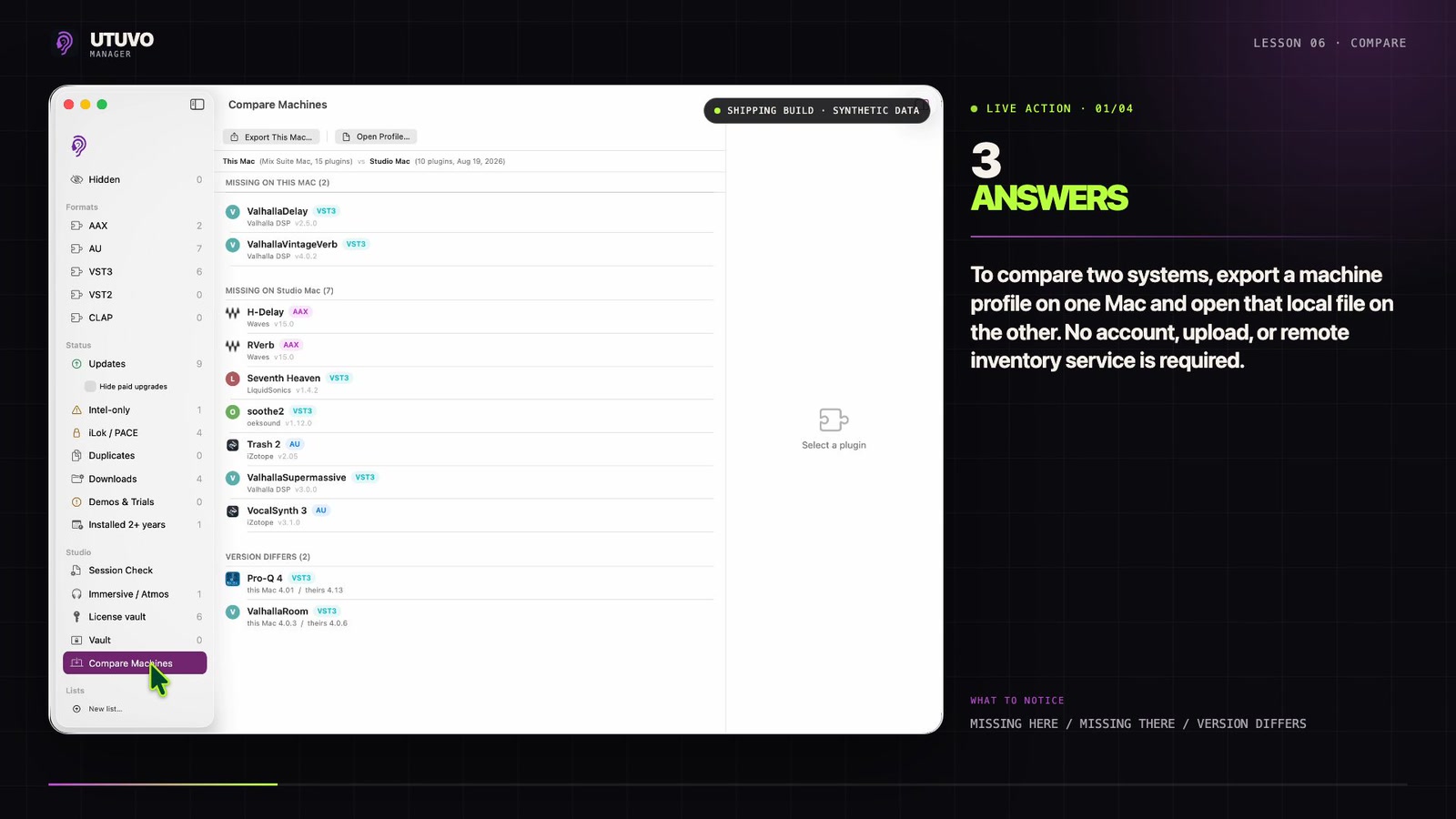
Export a local profile and compare it with another machine. See shared plugins, missing products, and version differences without creating a hosted account.
Scans happen locally. Share as self-contained HTML, CSV, or PDF. Secret fields stay in the macOS Keychain; plugin inventories are not uploaded to a UTUVO server.
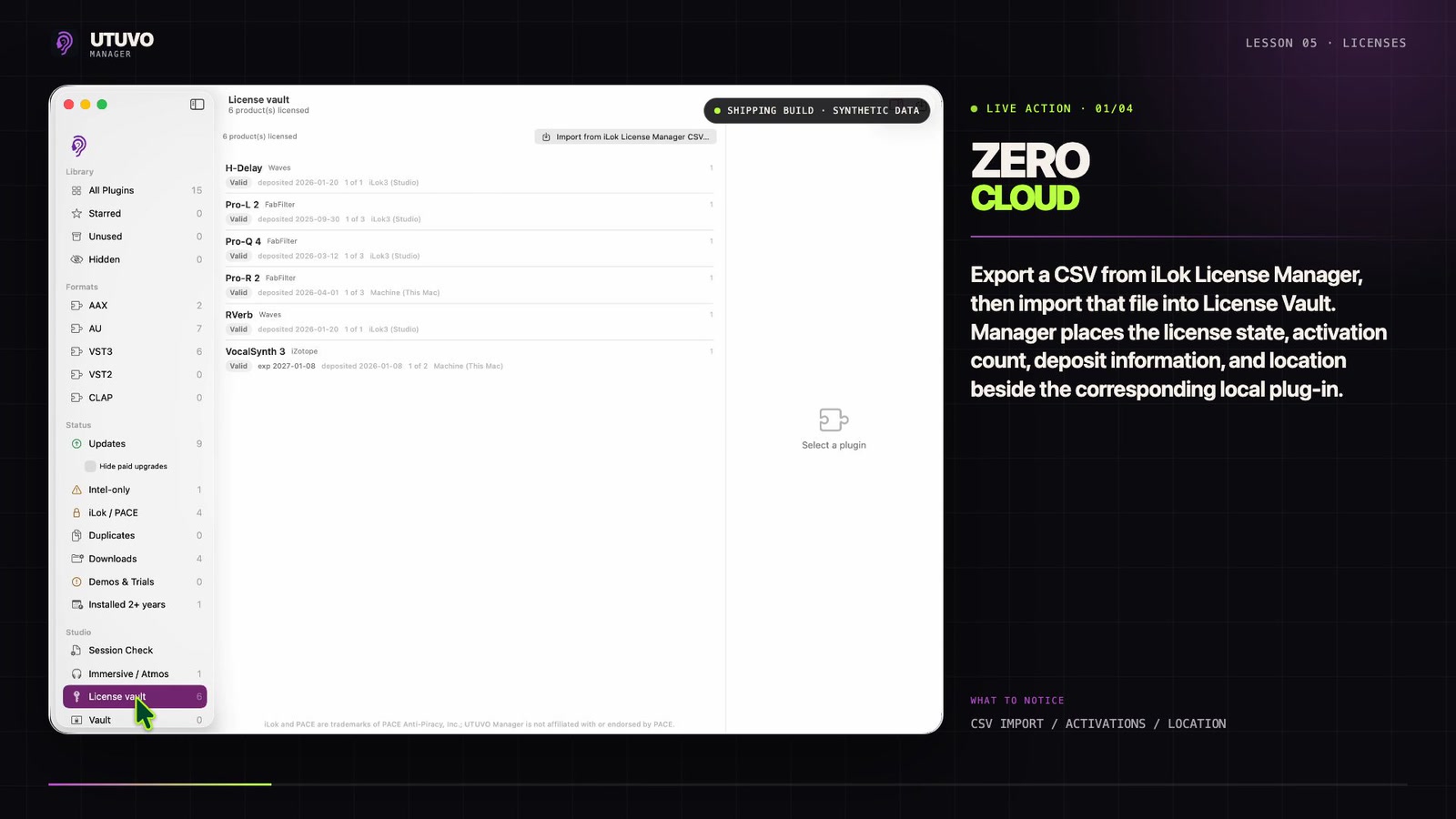
More than a serial-number drawer: import the iLok License Manager CSV you export yourself to see products you own, while the separate private Vault keeps keys and attachments protected locally.
| Version | 1.0.11 |
|---|---|
| Requirements | macOS 13.0 or later · Apple Silicon only |
| Size | 10,853,447 bytes |
| SHA-256 | 2c034a563a4f1ee54750954e08f70c887c92bfb2b30478f2860be8b4c62c8169 |
| Signing | Developer ID signed · Apple notarized |
| Trial | 30 days, then a licence key |
A comparison of manual, separate steps and this tool’s workflow. Other tools can also do these jobs.
| Without UTUVO | With UTUVO |
|---|---|
| Inspect several plugin folders to build an inventory. | List AAX, AU, VST3, VST2 and CLAP plugins together. |
| Compare two Macs using separately maintained notes. | Compare plugin inventories across your Macs. |
| Visit vendor pages one at a time to review versions. | Review supported version and update information in the inventory. |
| Find session requirements and installed plugins separately. | Compare a supported DAW session against this Mac. |
| Reformat the inventory before handing it to someone else. | Export self-contained HTML, CSV or PDF reports. |
It opens the official updater you already have installed (Waves Central, iZotope Portal, UA Connect, Native Access), or the vendor page if you do not. It never installs anything by itself.
Never. The list stays local. Online version checks are anonymous GETs against vendor catalogs, and you can turn them off.
Cleanup is reversible by design: Move to Unused is a soft delete with preview, confirm and restore. Nothing is silently hard-deleted.
Download and open the app to evaluate all features for 30 days. No credit card or account is required. The trial does not turn into an automatic charge; purchasing is a separate decision.
It includes the major version you purchase and every update released within that major version. A future major version may be a separate optional one-time purchase or may be free. It is never charged automatically. If you buy within 30 calendar days before a new major becomes available, that new major is included at no charge.
Open the app on the old Mac, go to Settings and deactivate the licence there, then enter the same key on the new Mac. No email needed, and a licence covers 3 of your own Macs. Deactivate while the old Mac still has a network connection: if it is offline at that moment the app clears the licence locally but the seat can stay held on our side, and support@utuvo.app can release it for you.
The current download requires macOS 13.0 or later · Apple Silicon only. Apple Silicon only; no Intel or Windows build. Try it on your working Mac before deciding to buy.
The 30-day full-feature trial is for evaluation before purchase. The 14-calendar-day no-reason refund period begins separately on the purchase date, so trial days do not reduce it. After 14 days, a simple change of mind is generally not refundable, while transaction errors, activation failure, nonconformity and statutory remedies remain covered.
Email support@utuvo.app. Within 14 days of purchase you can request a full refund without giving a reason; include your order number or licence key, or use the link in your order confirmation email. For a product issue, include the app version, macOS version and steps to reproduce it.
No. After a paid licence is successfully activated, it continues to work offline on that device. A network or verification-service failure alone cannot deactivate it. If the verification service permanently ends, we will provide a free way for lawful perpetual-licence holders to continue using, reinstalling and activating on a replacement compatible Mac within their device count.
UTUVO Work Series
Five independent tools for five different jobs around a session.
 UTUVO ScanMissing is a lazy answer.Available for macOS
 UTUVO PrepNames and heads. Two decisions, then it is done.Available for macOS
 UTUVO QCEvery known rejection reason, caught before you upload.Available for macOS
 UTUVO ManagerKnow your plugin rig before the session finds the problem.Available for macOS
 UTUVO CatalogA library that respects the masters.Invitation-only beta
UTUVO is built by one person: Micky Yang.
He's a Tonmeister with 1,600+ Mandopop songs mixed in Dolby Atmos, four Golden Melody Awards for recording, and he teaches recording at university. Most tools are what engineers imagine recordists need. UTUVO is what a recordist built because he couldn't stand the existing ones.