A local music library for macOS that matches the output device to each track's sample rate, then handles stereo, DSD and immersive material without hiding the active playback path.
macOS 13.0 or later · Apple Silicon only · Developer ID signed · Apple notarized · 30-day trial
Public Beta 1.0.5
Your music, kept as a library.Forty albums. One local library.
See Reference in one complete session.
From a real local library to verified routing, multichannel rendering, headphone correction, DSD over a compatible DoP path, honest fallbacks, Now Playing and Mini Player.
80 sec · 1920×1080 · English narration · four caption languages
A real Player Reference workflow using the public-safe V3 demo library.Learn Reference ›
The track's rate, matched and reported.
Auto Sample Rate asks the output device to follow the file. The green result is a readback of the active route, not a copy of the preference.
Exclusive is separate. Reference shows Locked only after CoreAudio actually grants exclusive access.
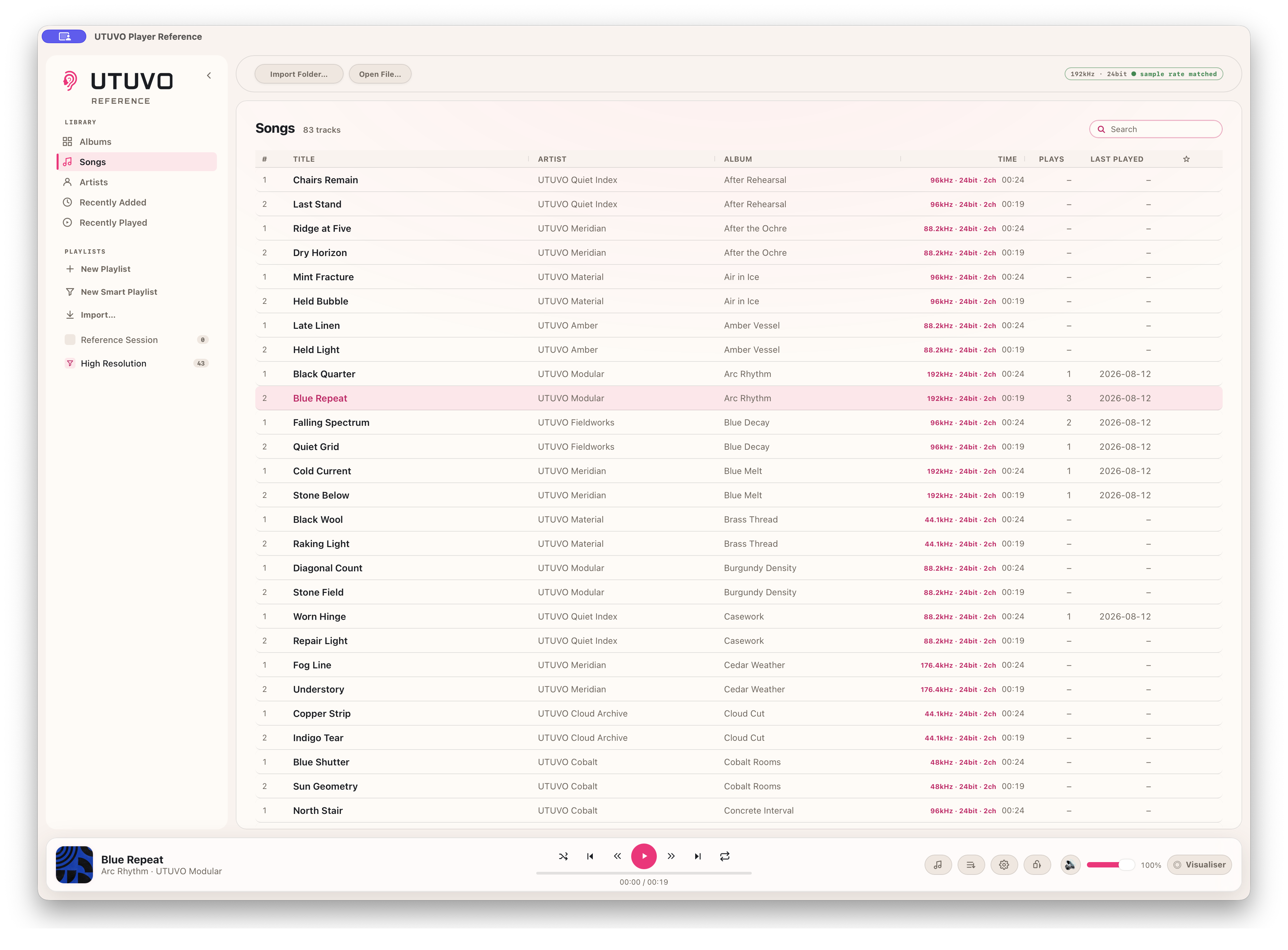
192 kHz in the file. 192 kHz on the route.
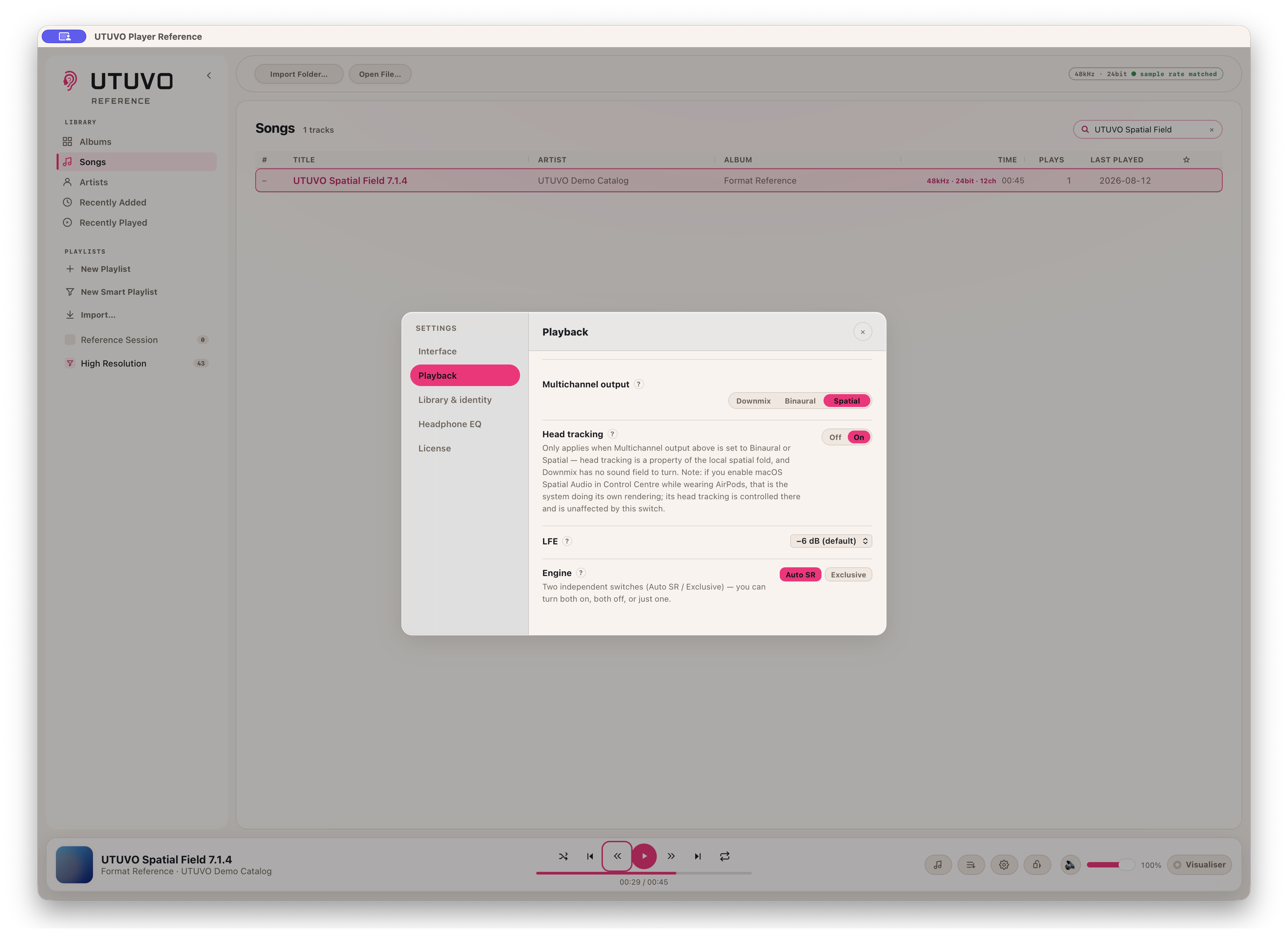
Downmix, Binaural or Spatial. Never silently fewer channels.
Choose the fold for an output with too few channels. Spatial falls back to Binaural, then Downmix, when a route cannot start; each fallback keeps every channel represented.
LFE fold gain is visible. Auto Sample Rate and Exclusive remain independent switches.
The route is a choice, and the fallback is visible.
When head tracking is unavailable, the badge says so.
With a 12-channel master on a two-channel route, Reference reports `spatial · fixed` when spatial rendering is active but headphone motion is not. It does not turn an enabled preference into a false success badge.
With supported AirPods and a supported connection, head tracking keeps the field anchored in front of the screen. Tested by Micky on the shipping build; the published image deliberately shows the fixed fallback instead.
Spatial is active. Head tracking is not. The badge says so.
See where every object actually is.
Player Reference reads real object positions from a compatible ADM BWF master containing chna and axml, then draws each named object in ADM Objects mode.
The 00:02 and 00:12 views below come from the same six-object master. Their changed positions are the time-varying coordinates the app actually read, not a composited animation. Ordinary EC-3 and channel-based surround are not treated as object data.
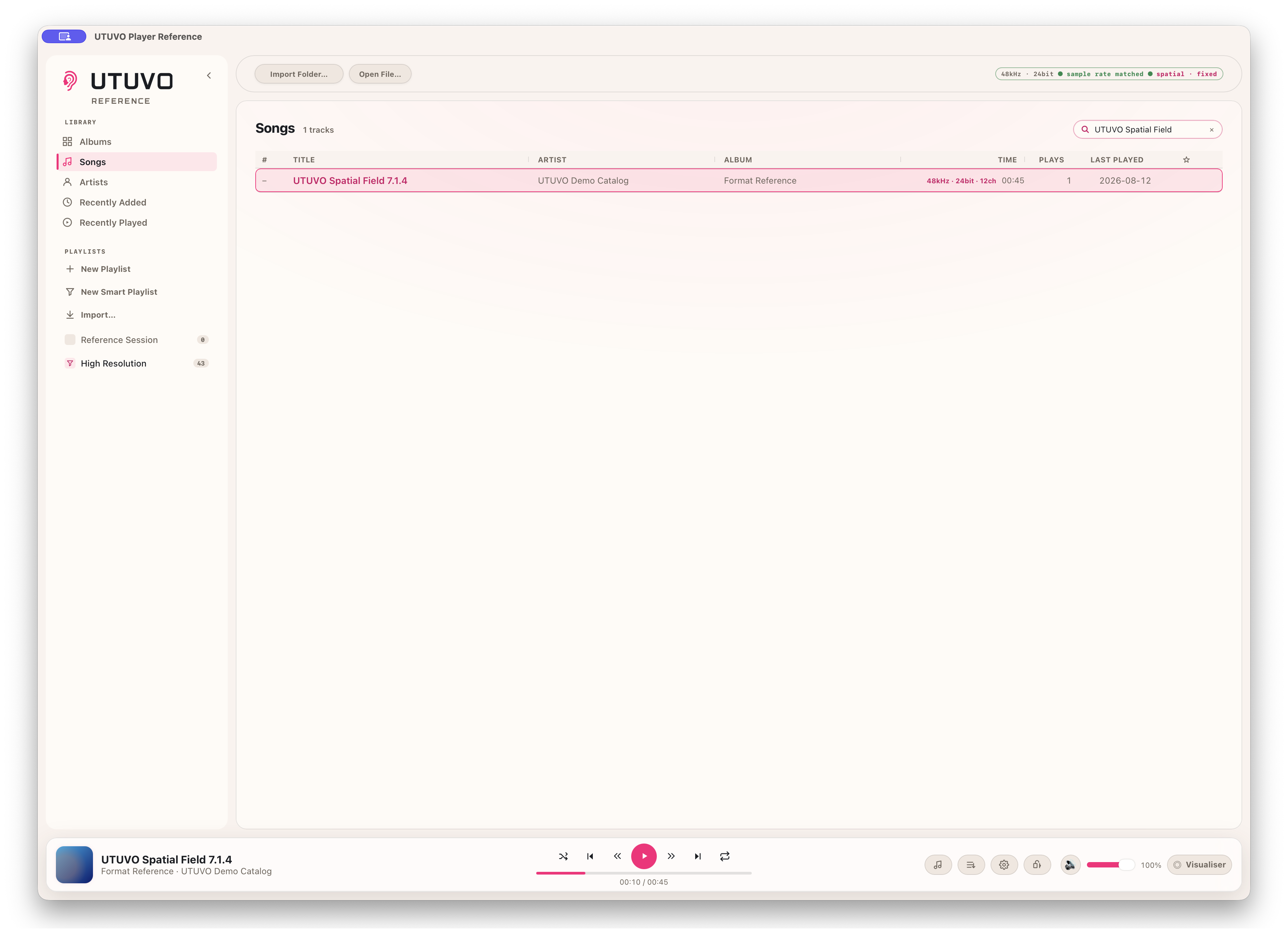
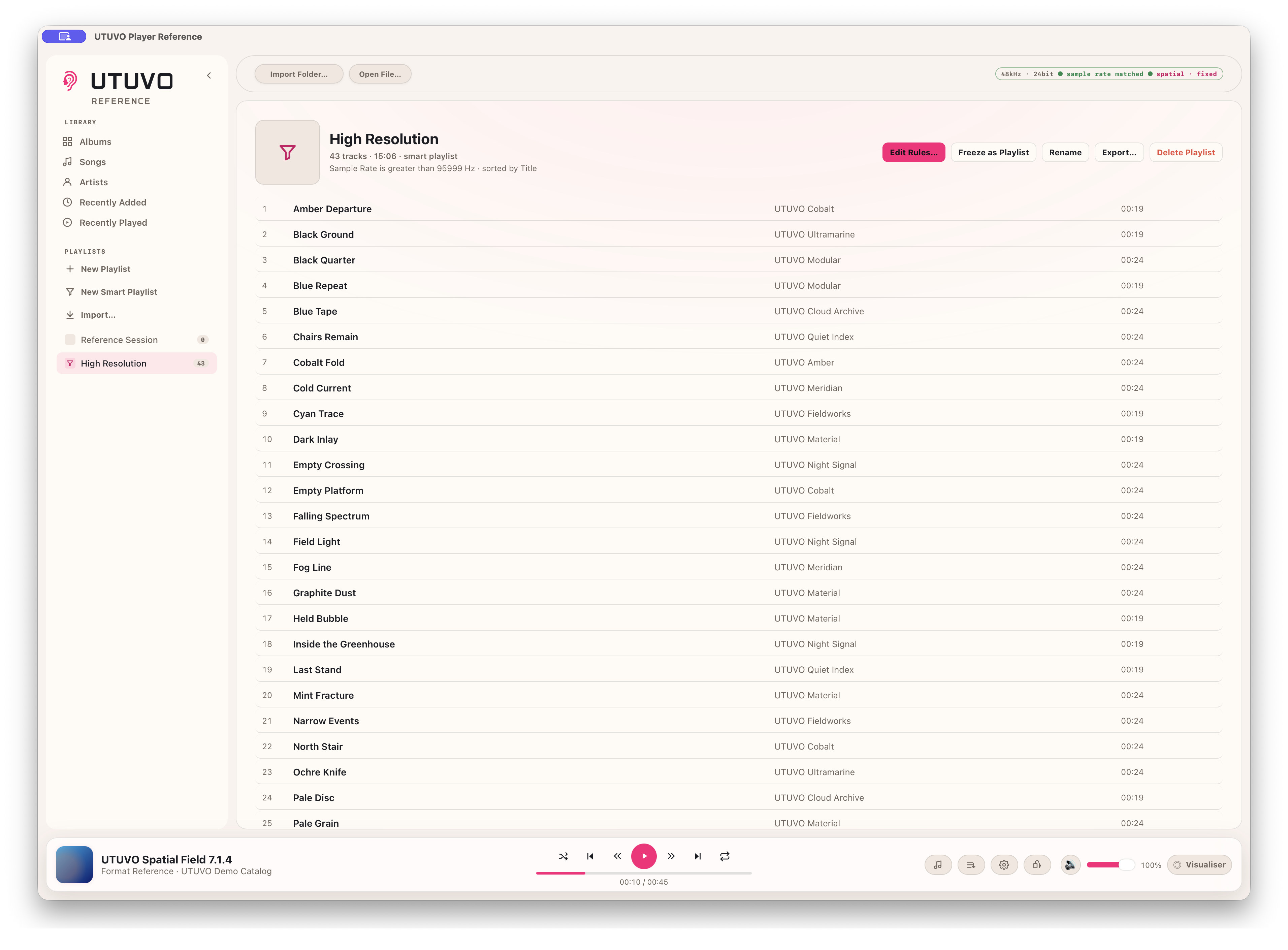
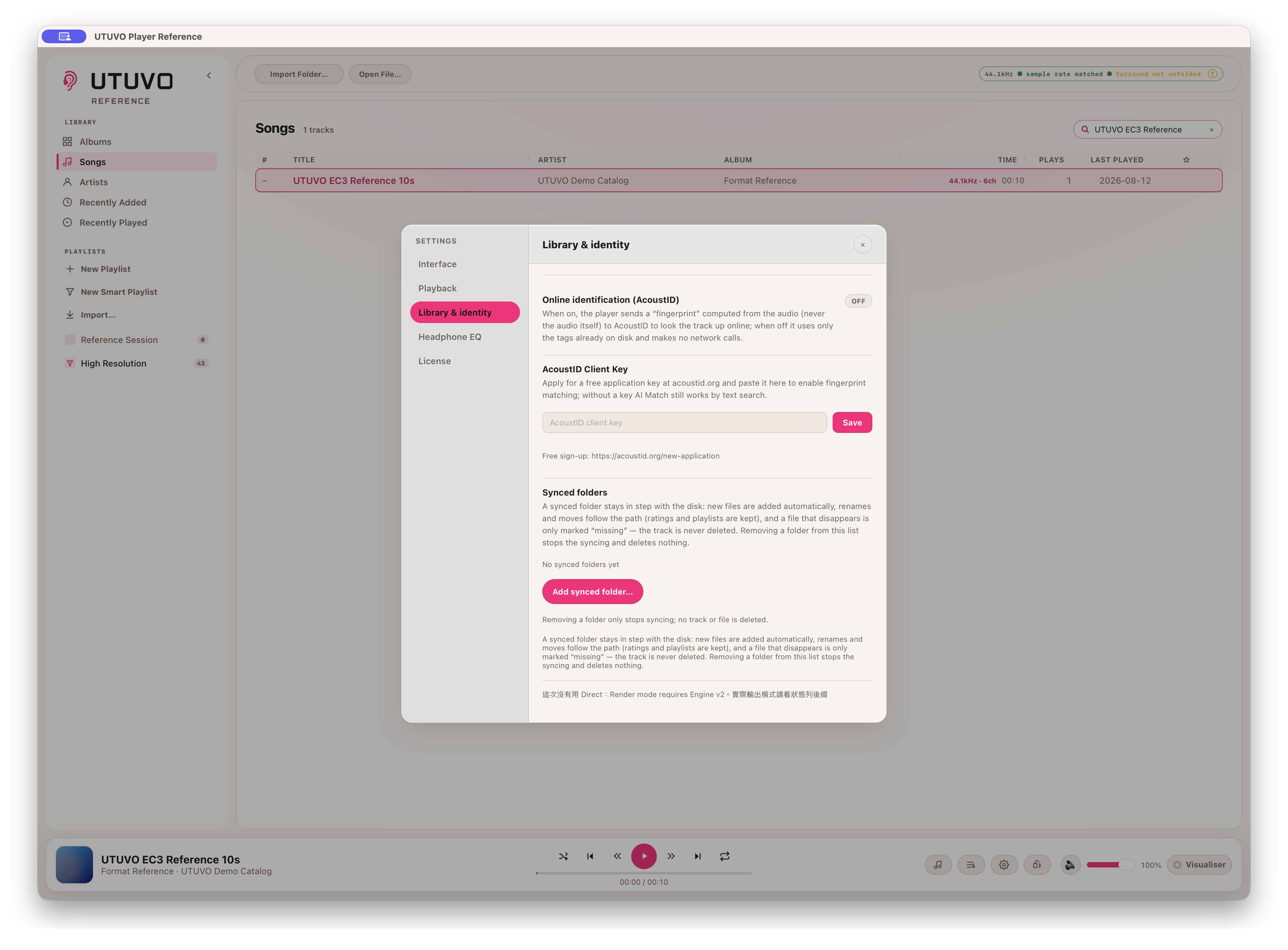
Search the whole library, move between albums, songs and artists, and return through Recently Added or Recently Played. Ratings, favourites, playlists and smart playlists stay attached to the library.
Delete and Backspace ask first. Removing a library entry does not delete the source audio file.
A library view that updates itself.
Pick the measurement. Nothing is auto-selected.
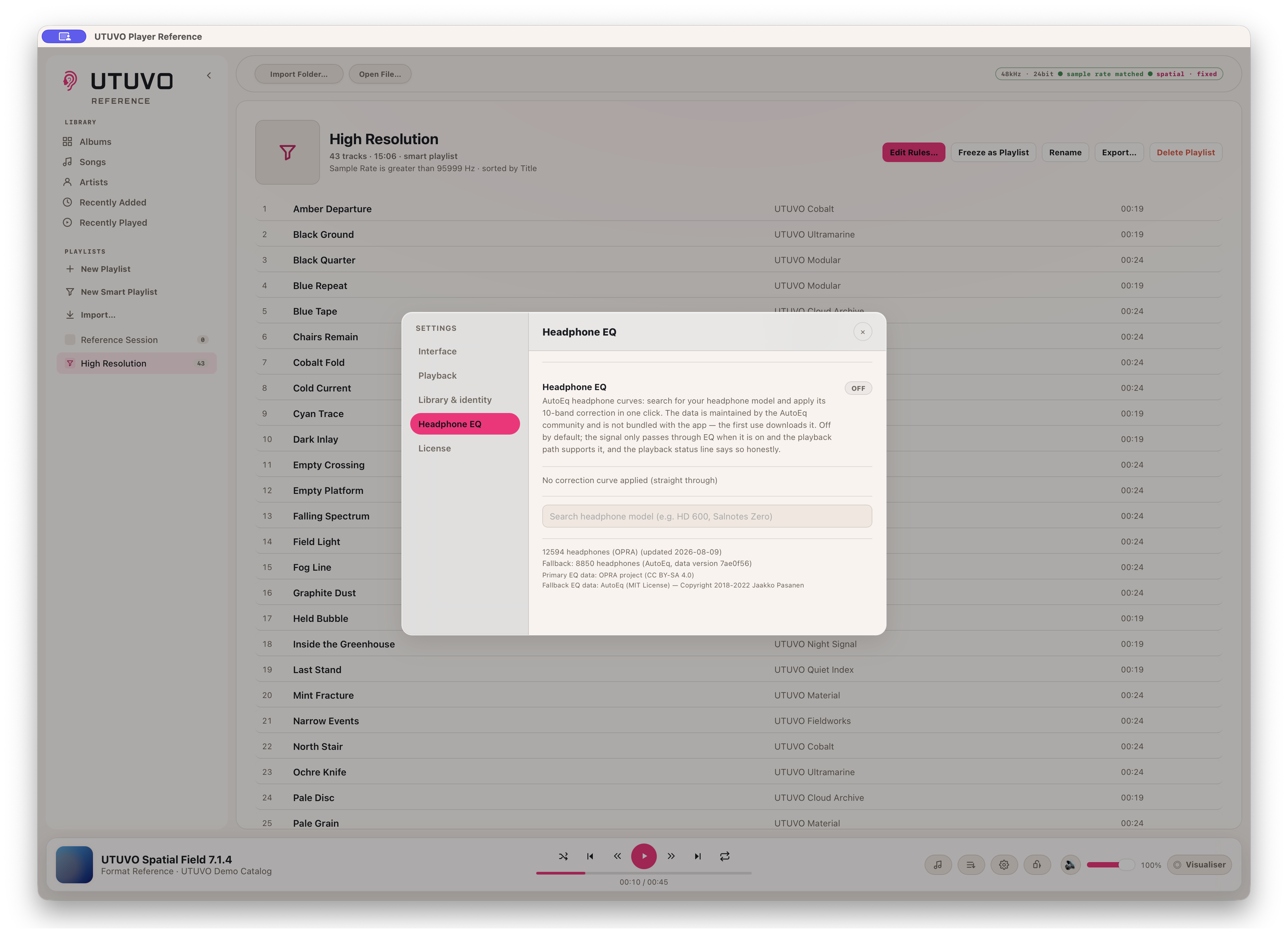
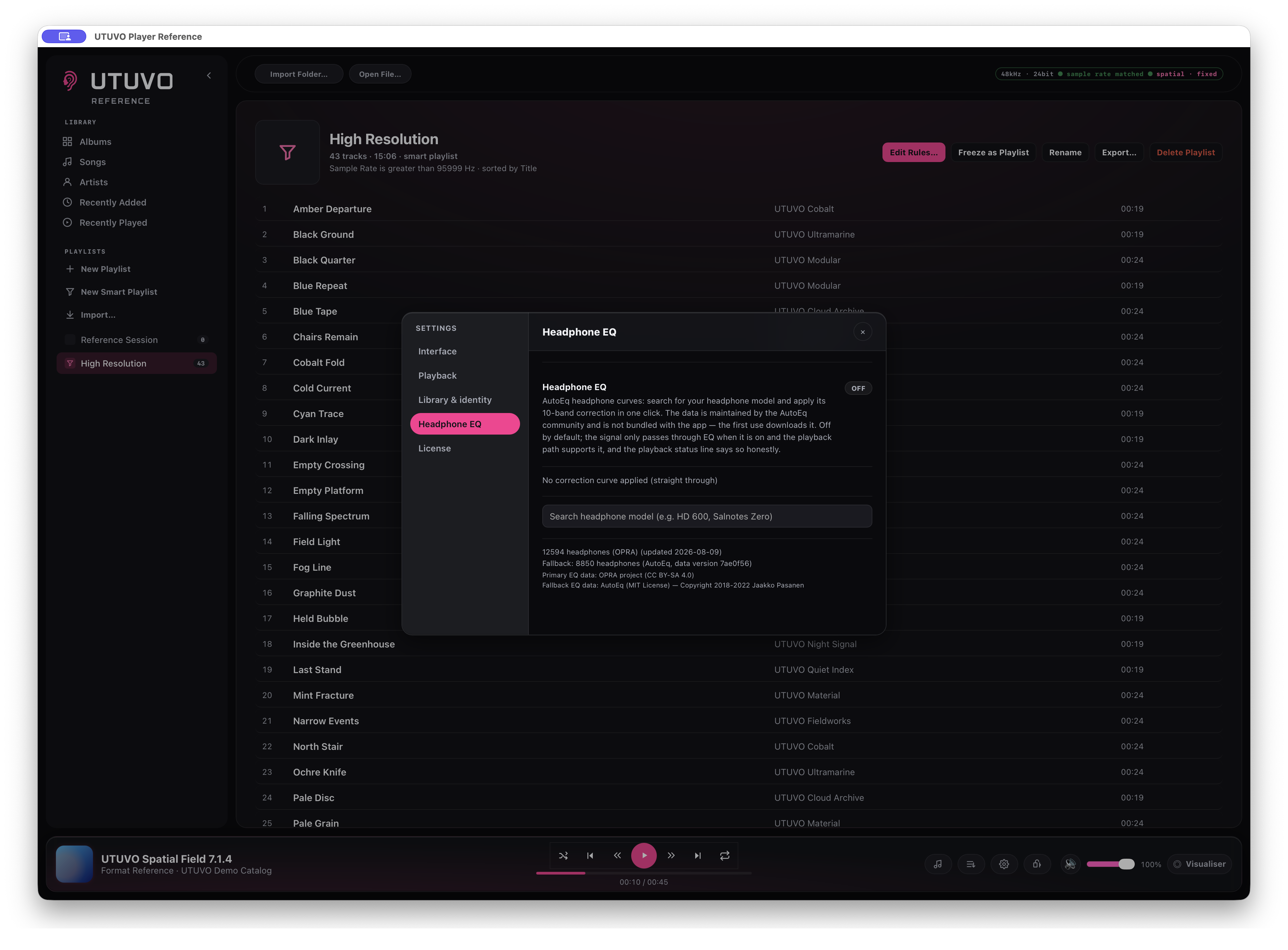
Headphone EQ starts off. Search for the model, inspect the available measurements and choose the one you want; Reference never silently applies a curve because two headphones share a name.
OPRA is the primary source, with AutoEq as fallback. Counts shown in the app are a release snapshot and will change as the datasets update.
Your model. Your measurement. Your choice.
DSD stays DSD over DoP.
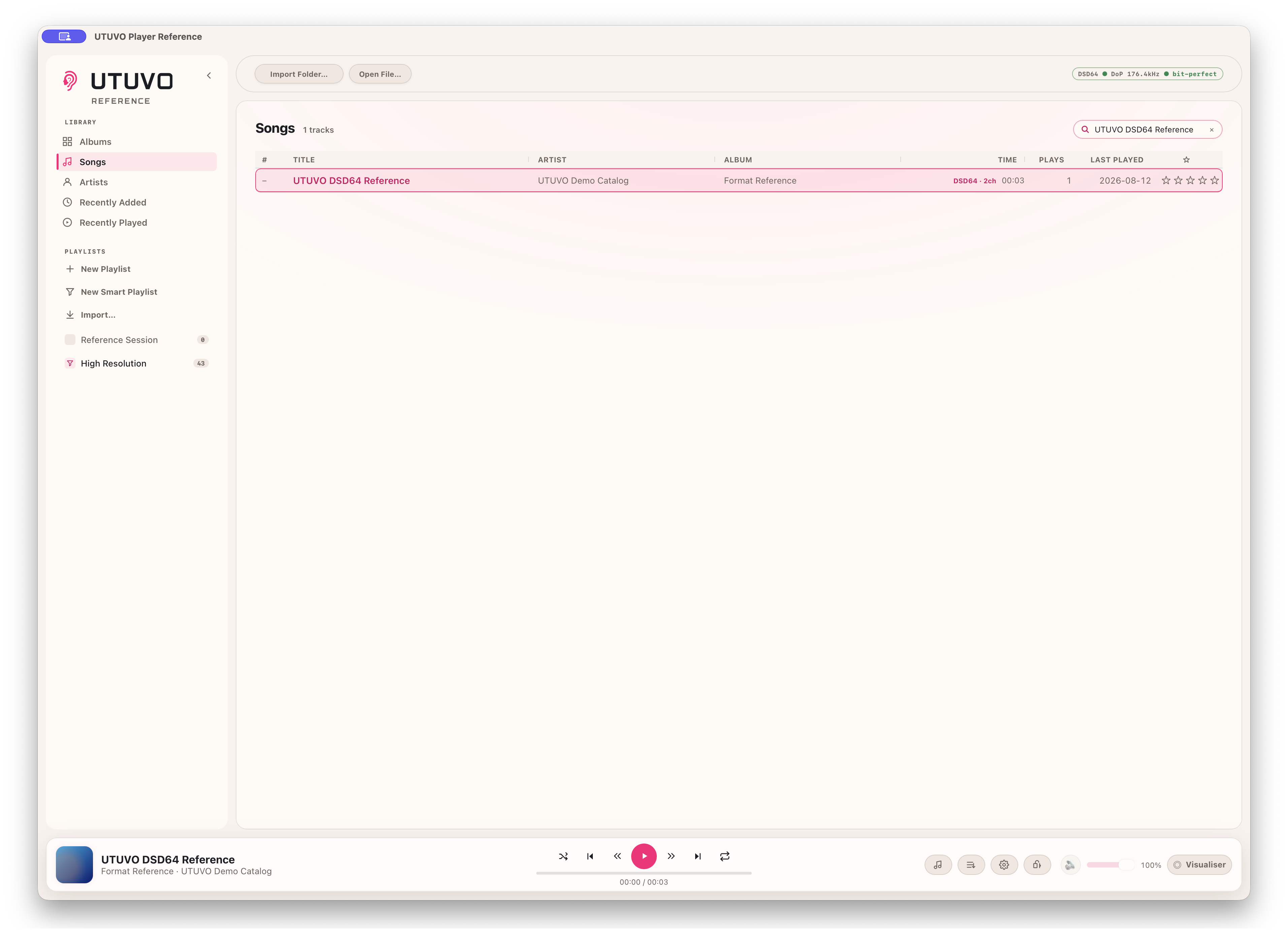
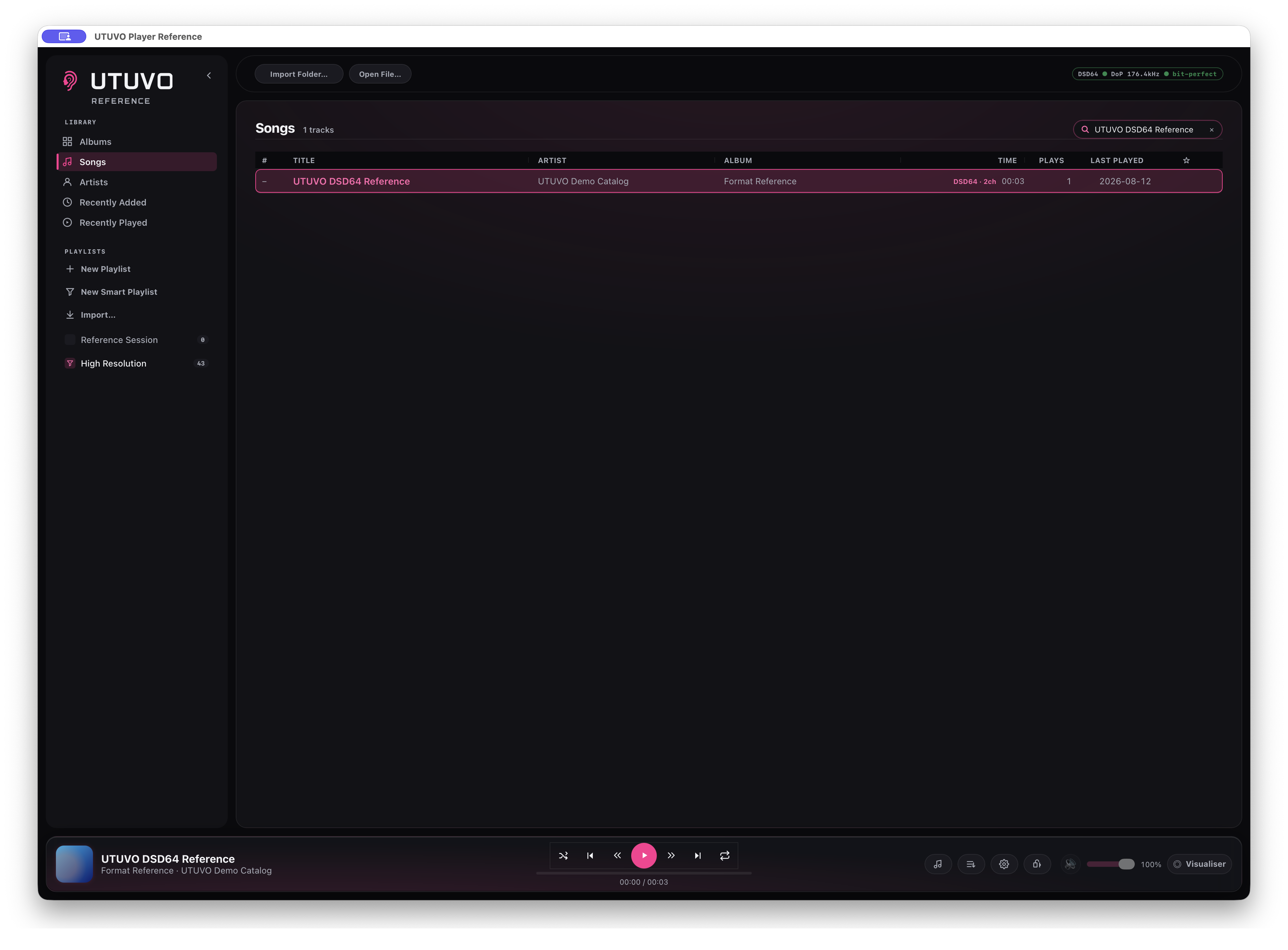
On a compatible DAC, Reference packs the DSD stream into DoP without turning it into floating-point PCM. The software volume and mute controls are disabled while the DAC owns level control.
The `bit-perfect` badge applies to this verified DSD/DoP wire path only. It is not a blanket claim about PCM playback.
DSD64 in. DoP 176.4 kHz out.
A delivery badge is not an object renderer.
Reference can recognise and play an EC-3 delivery, but it does not pretend that a channel-based stream contains ADM object coordinates. If the current route is resampling or surround is not unfolded, the status says exactly that.
Real object positions require a compatible ADM BWF master with chna and axml metadata.
Recognised format. Honest route status.
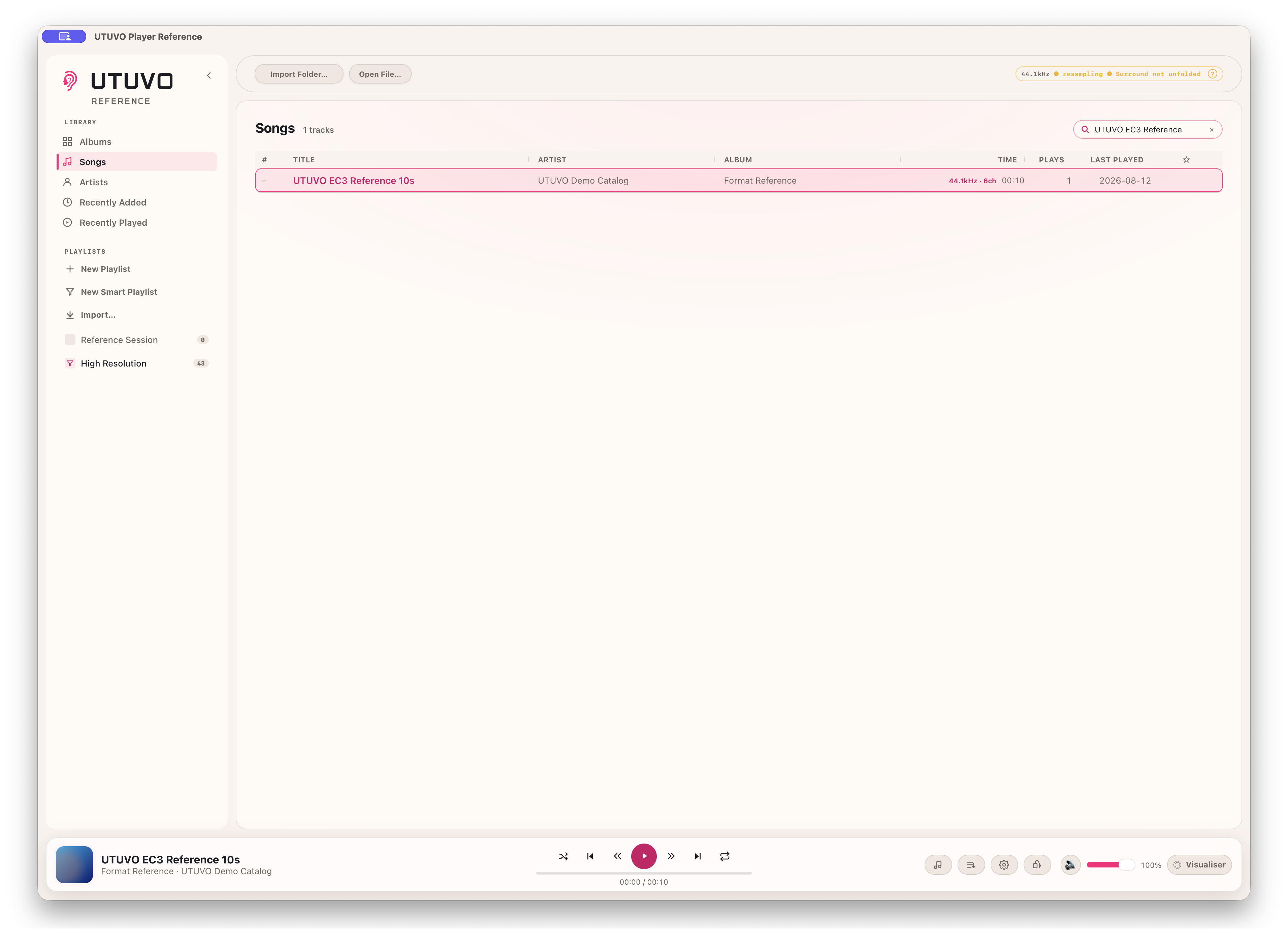
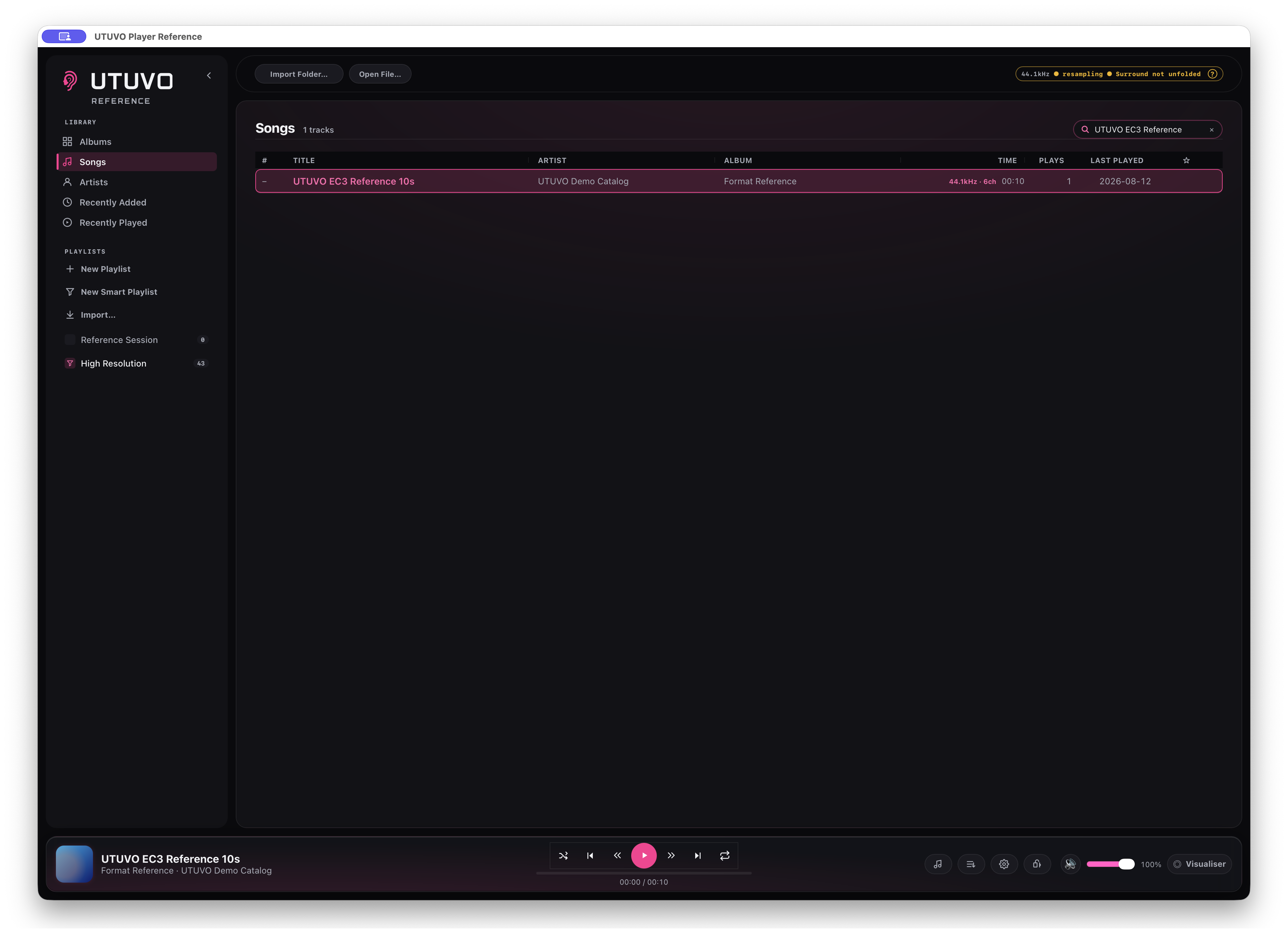
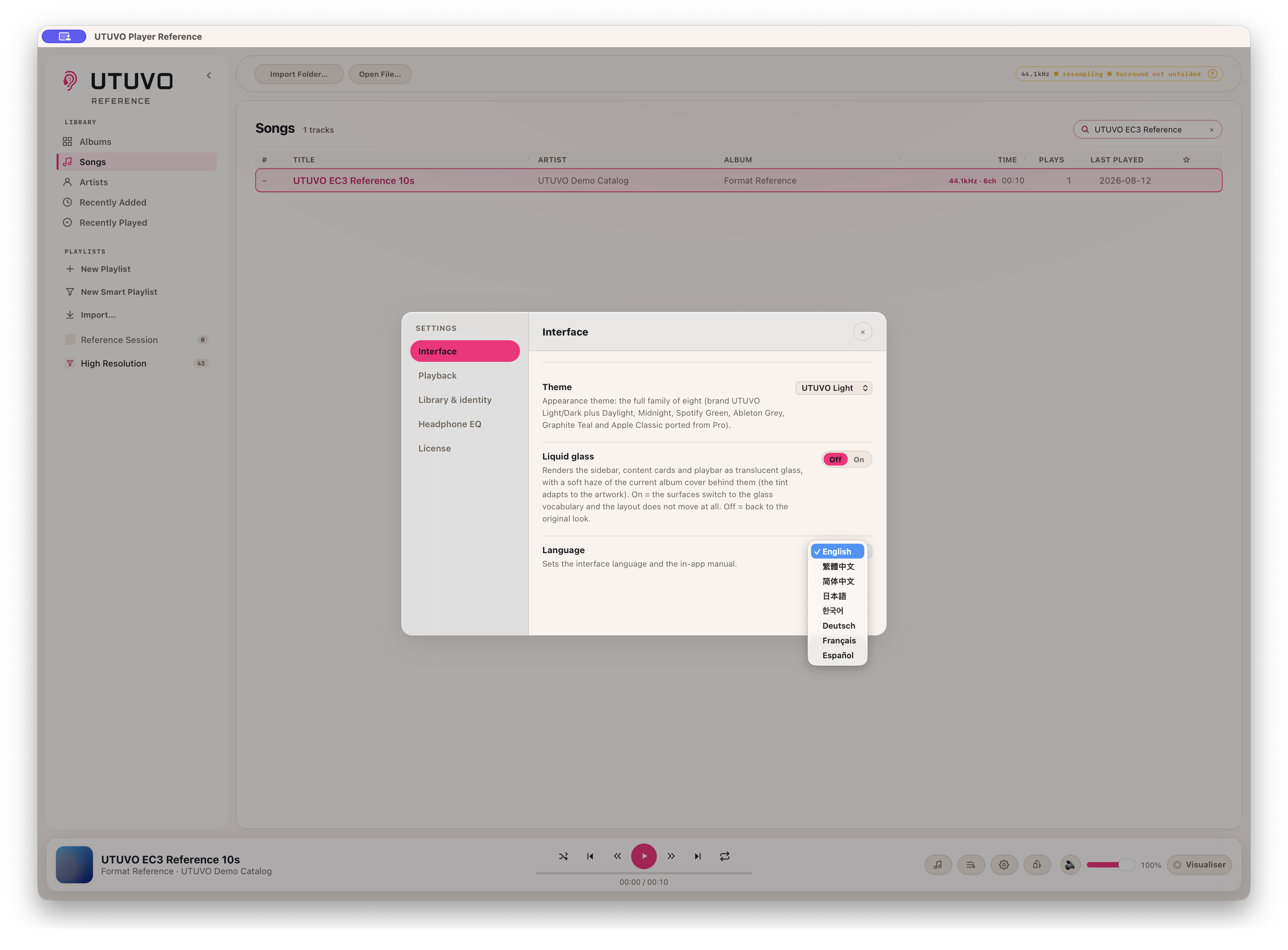
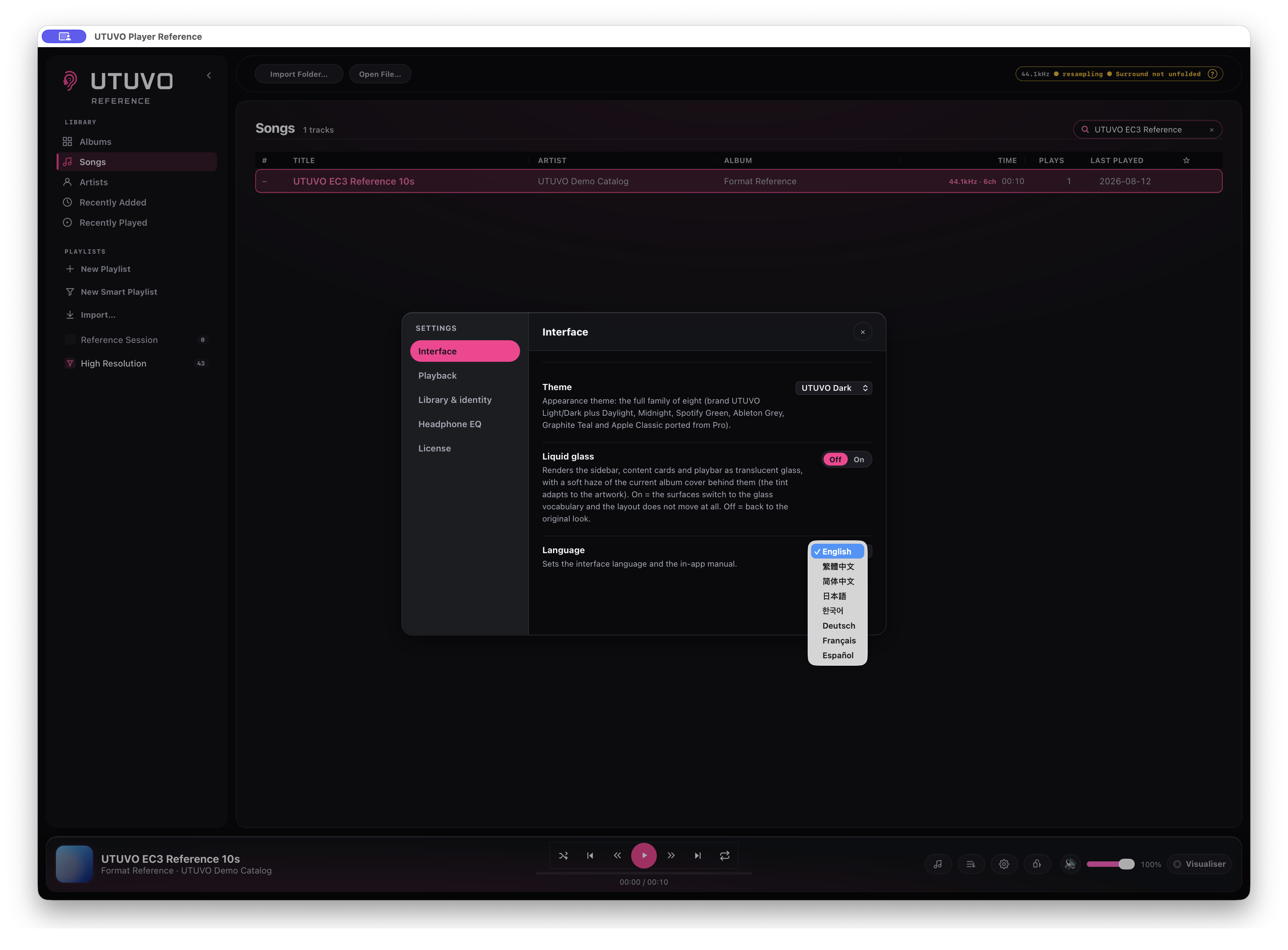
Eight themes. Eight languages.
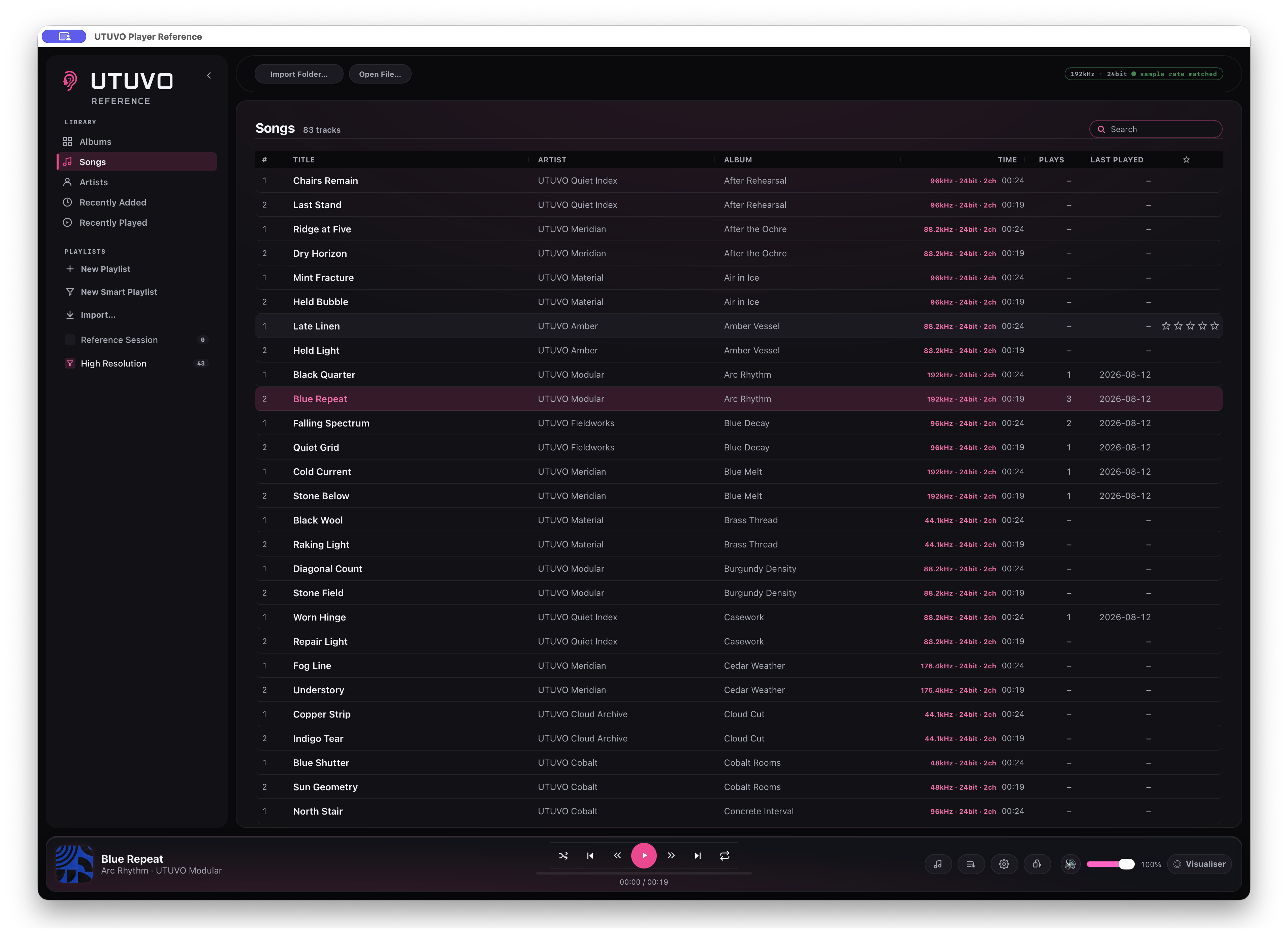
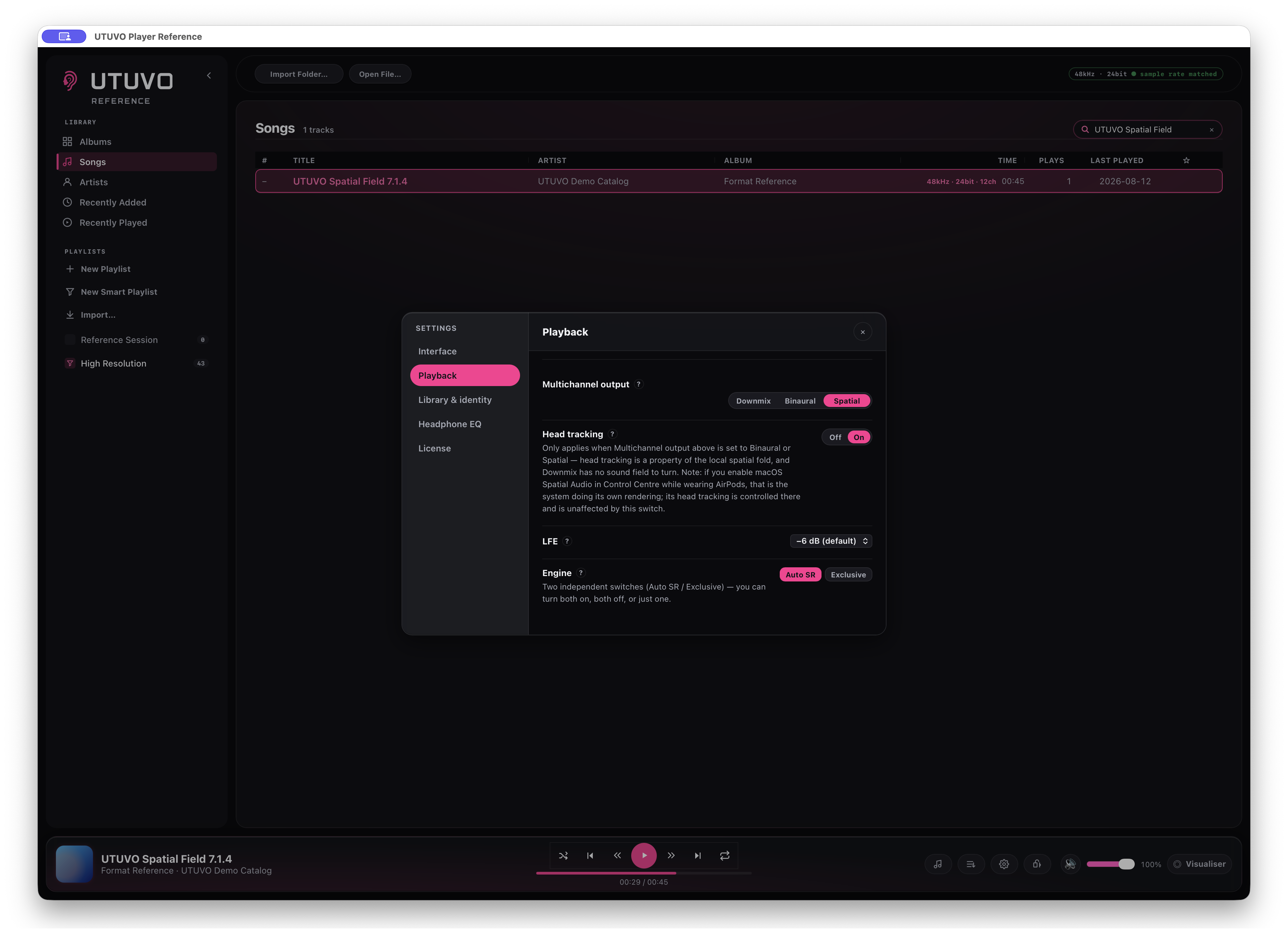
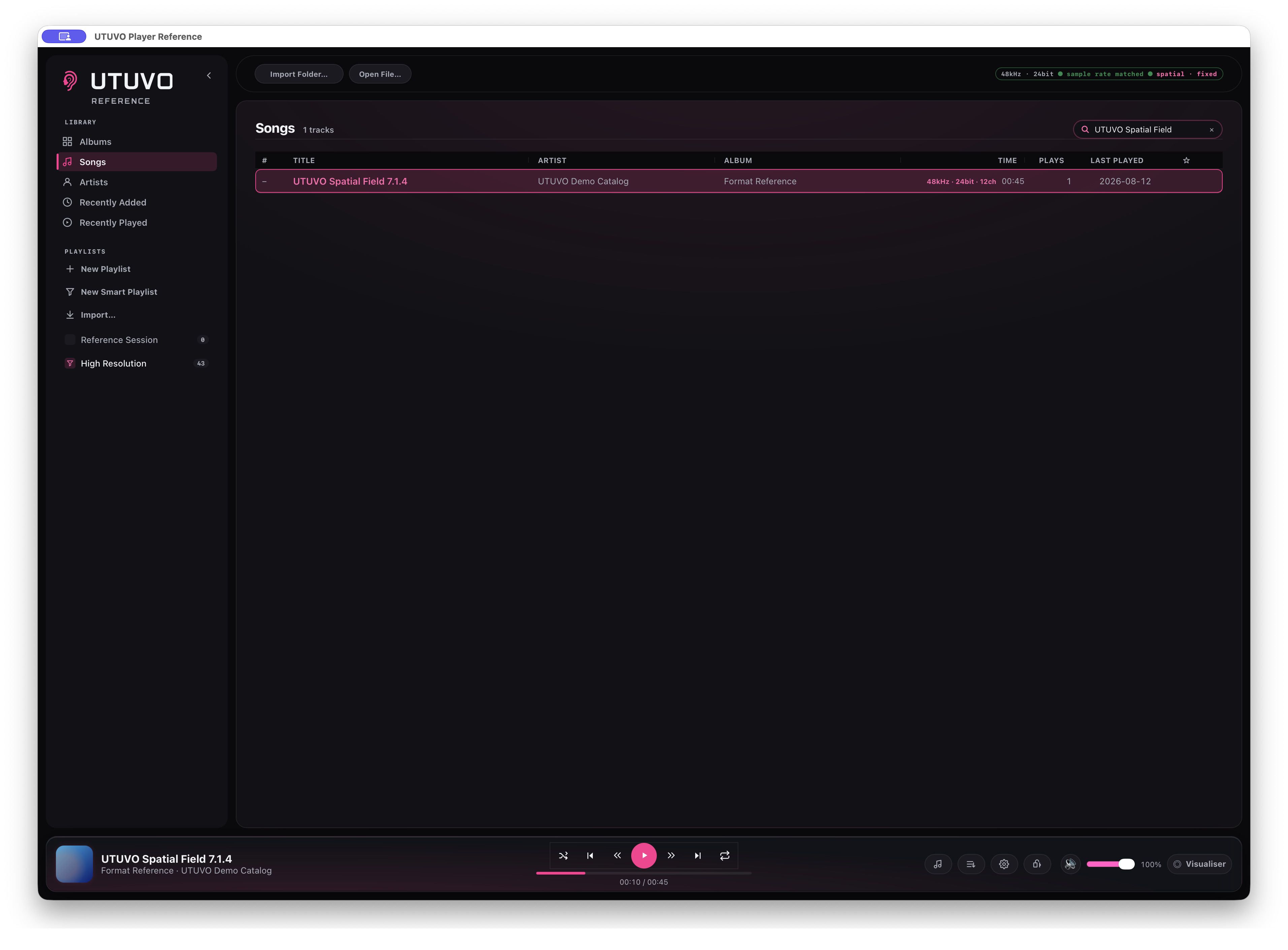
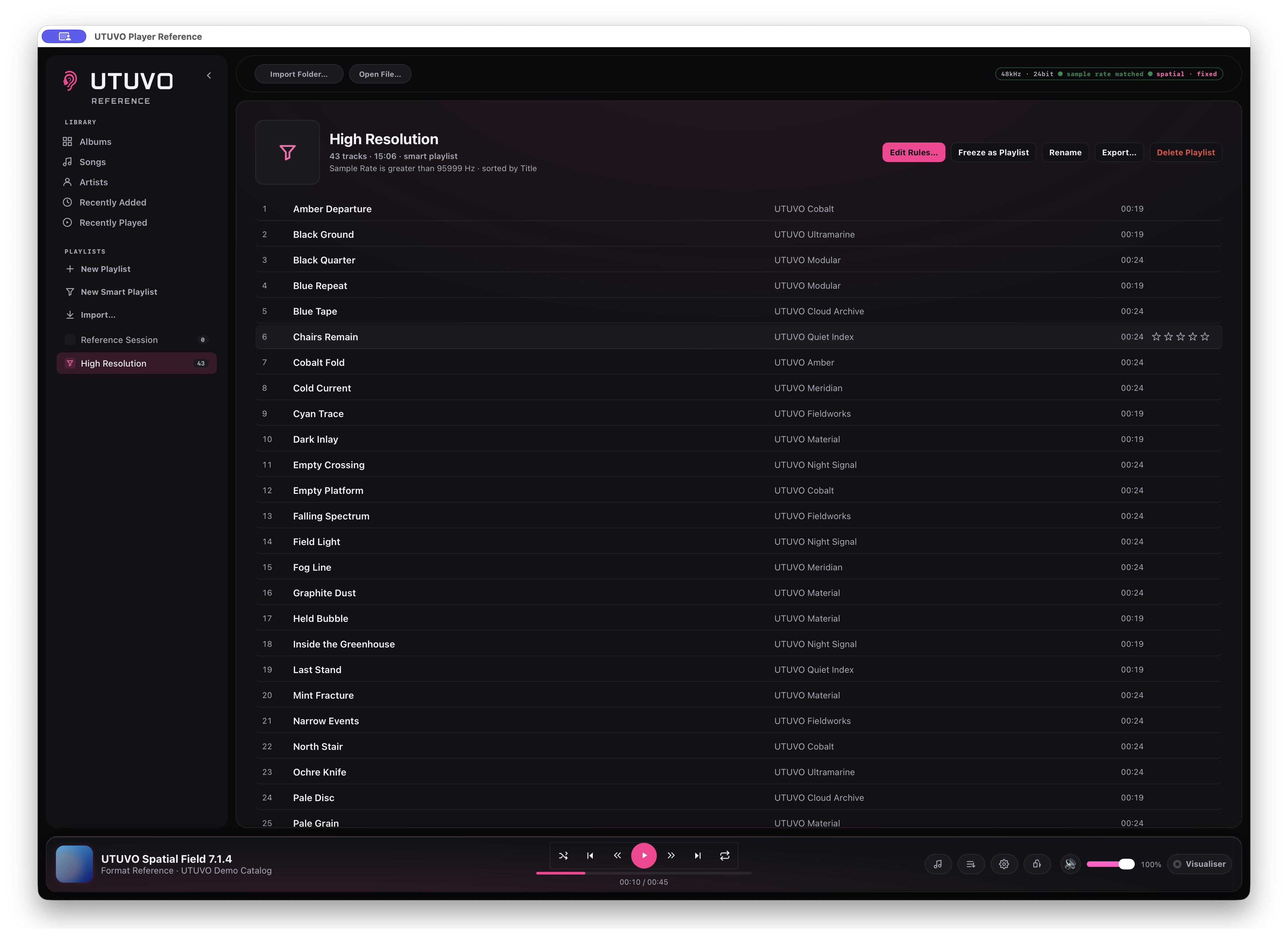
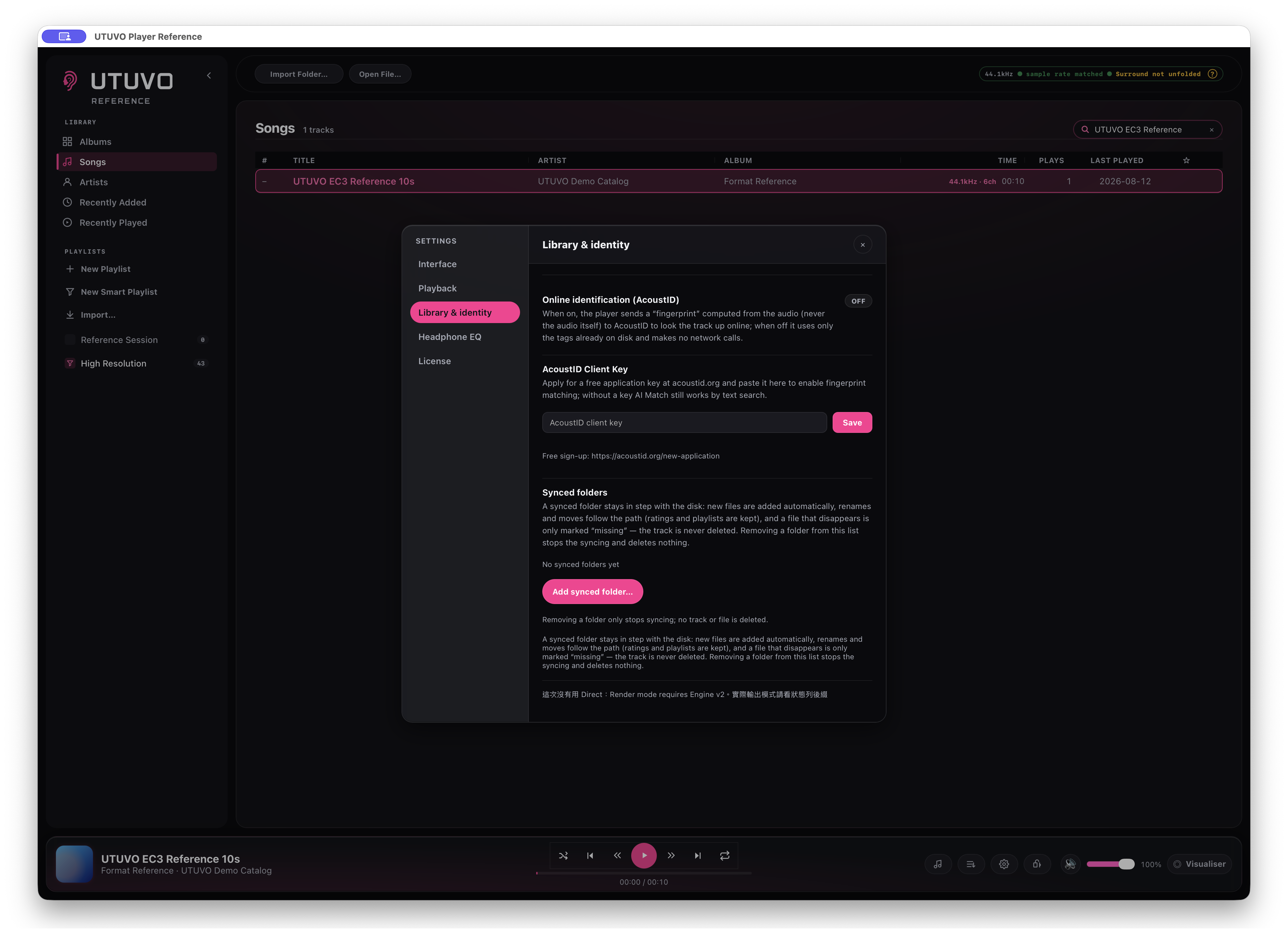
UTUVO Light, UTUVO Dark, Daylight, Midnight, Spotify Green, Ableton Grey, Graphite Teal and Apple Classic change the entire interface without moving the layout.
The interface and in-app manual are available in English, Traditional Chinese, Simplified Chinese, Japanese, Korean, German, French and Spanish.
Your room. Your language.
Local first, honest about the exceptions.
Music, library data, playlists and listening history stay on the Mac. AcoustID is off by default; if enabled, it sends an audio fingerprint for lookup, never the audio file itself.
Reference still connects for licence activation and periodic validation, and when the user chooses to download OPRA or AutoEq data. “Completely offline” is not an approved claim.
Local by default. Network use by purpose.
Eight themes, one layout.
UTUVO Light
UTUVO Dark
Daylight
Midnight
Spotify Green
Ableton Grey
Graphite Teal
Apple Classic
Download Public Beta 1.0.5.
macOS 13.0 or later · Apple Silicon only · 30-day trial
To report a beta issue, choose Help → Report a Problem… in the app; UTUVO prepares an email to [email protected] and does not attach or upload logs.
WAV, AIFF, FLAC, ALAC, M4A, MP4, MP3, DSF and DFF. Ogg and Opus import too, but playback depends on the macOS version: where the system lacks Ogg container support the track is refused at play time with a message that names the reason rather than failing quietly.
Does it come with music, or connect to a streaming service?
Neither. Player Ref plays the files you already own, from your own disks. It ships no content, has no store and no streaming account, and your library and audio stay on your machine.
What happens to a multichannel file on a stereo output?
You choose how it folds down (Downmix, Binaural or Spatial Audio), and the status line says which path is running. Channels are never dropped silently: if the chosen path is unavailable, the badge says so instead of playing fewer channels without telling you.
Is DSD still DSD?
On a compatible DAC the DSD stream is packed into DoP rather than converted to floating-point PCM first. The bit-perfect badge refers to that verified DSD/DoP wire path only; it is not a blanket claim about every PCM playback path.
UTUVO Player family
Part of the UTUVO Player family.
Three purpose-built players for three different listening contexts.






 UTUVO Player Pro
 UTUVO Player Ref
 UTUVO Player Go